New in Svippit for the autumn sales
Discount codes, product packages, free downloads and Meta Pixel. See what you can use for Halloween, Black Week and Christmas.
Merchants asked for discounts, product packages and more ways to browse. Here's what's available for Halloween, Black Week and Christmas.
Screenshots use Norwegian text from Bakstua, our fictional recipe store. Products, prices and details are examples.
Discount codes, sales and add-on offers
Under Discount codes, choose a percentage or fixed amount and the eligible products. You can set an expiry date and usage limit.
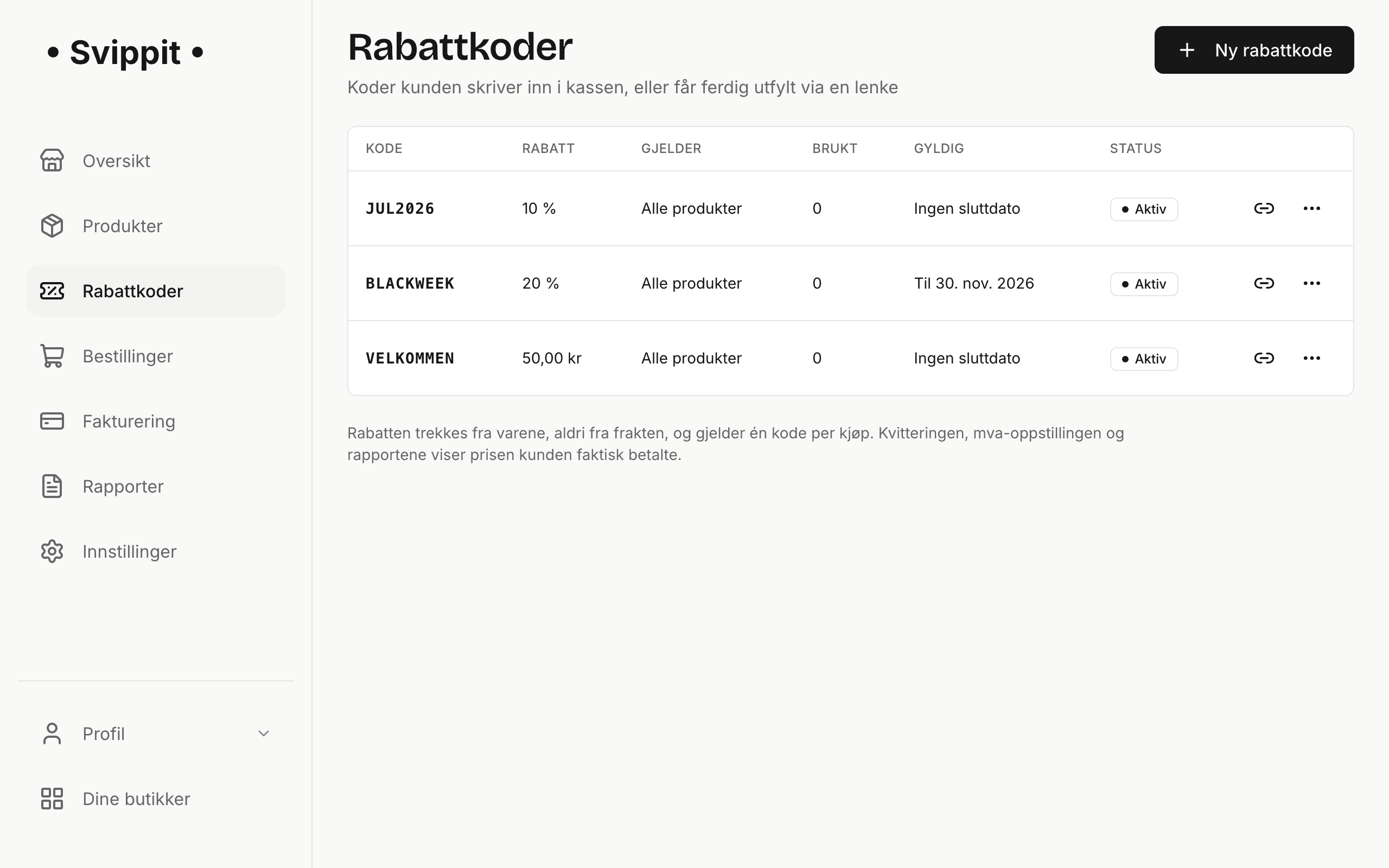
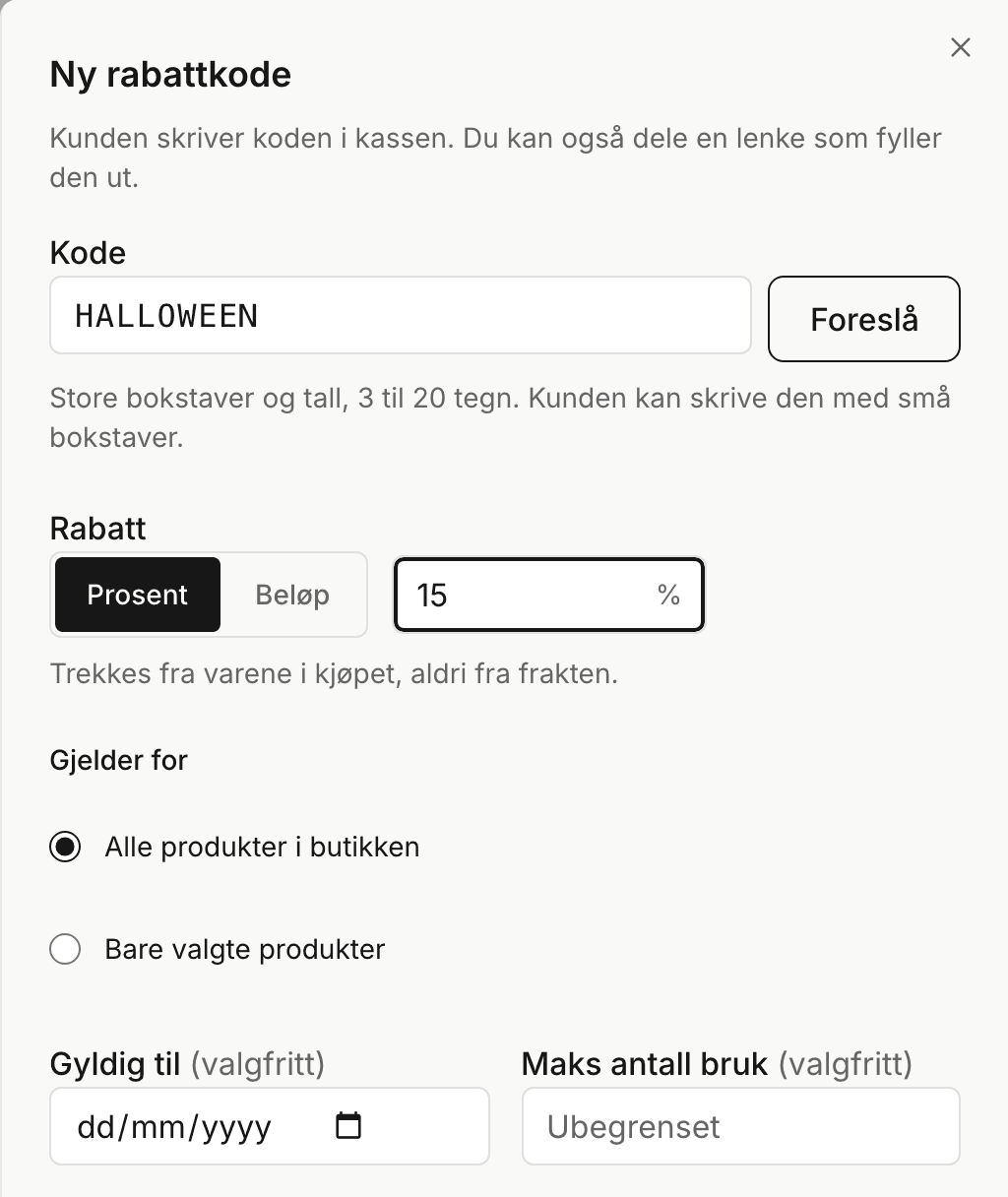
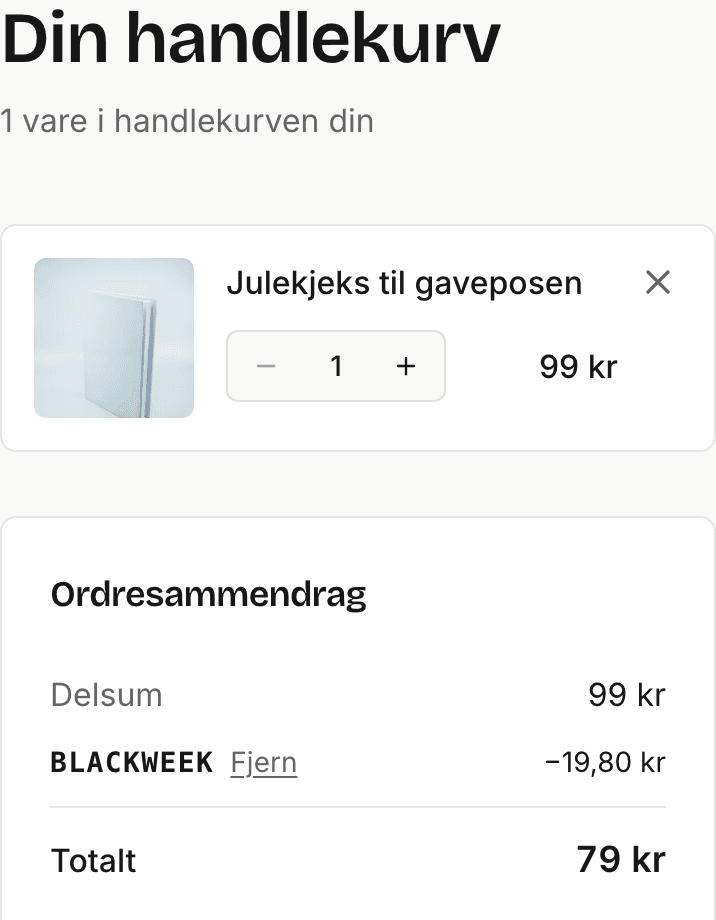
Customers enter the code at checkout, or you can share a store or product link with ?kode=BLACKWEEK to apply it.
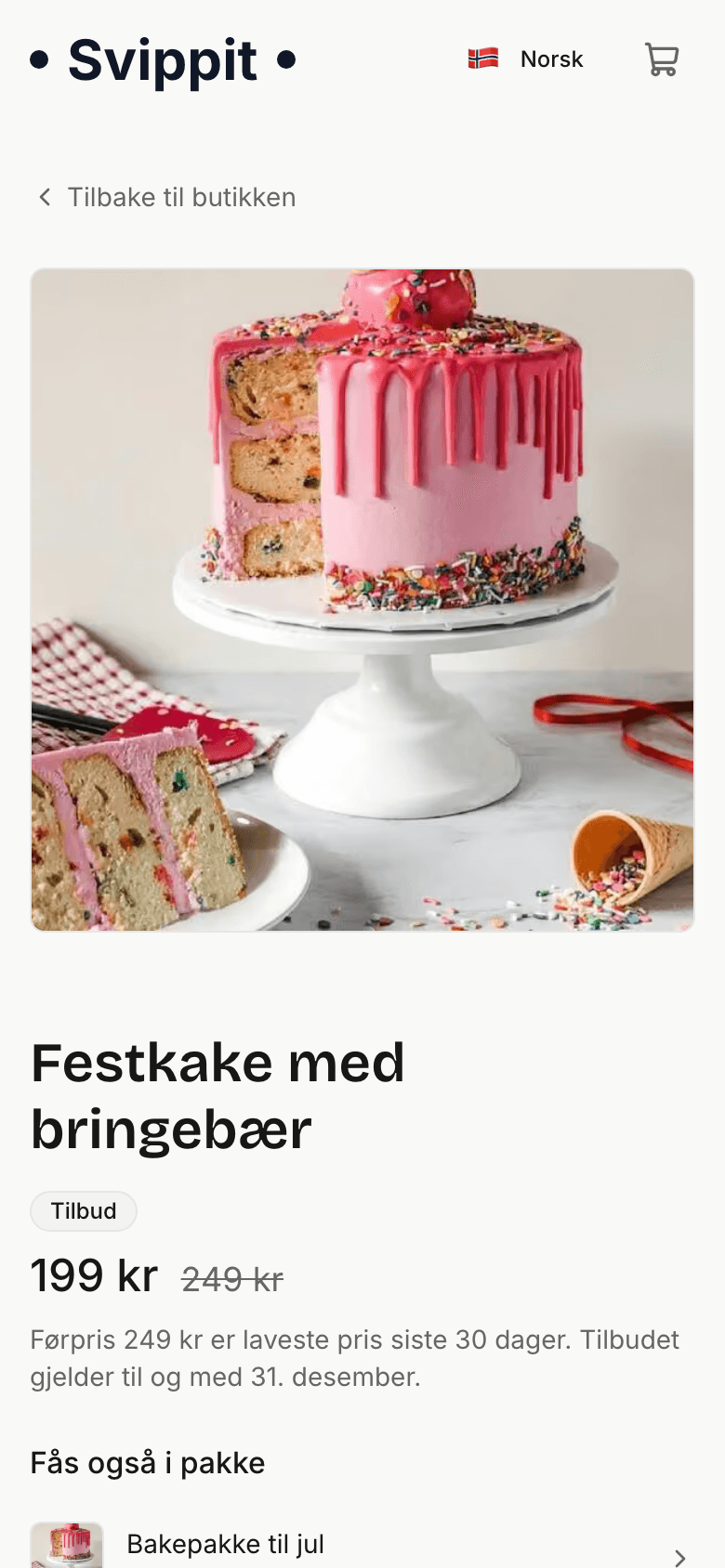
In the product form, set a sale price with a start and end date. Svippit calculates the reference price from the price history and asks you to confirm it when the history is too short.
With Add-on offers, make one product cheaper when bought with another. Bakstua pairs its cake recipe with an offer on a cookie recipe.

Read the guide to discount codes, sales and add-on offers.
Product packages
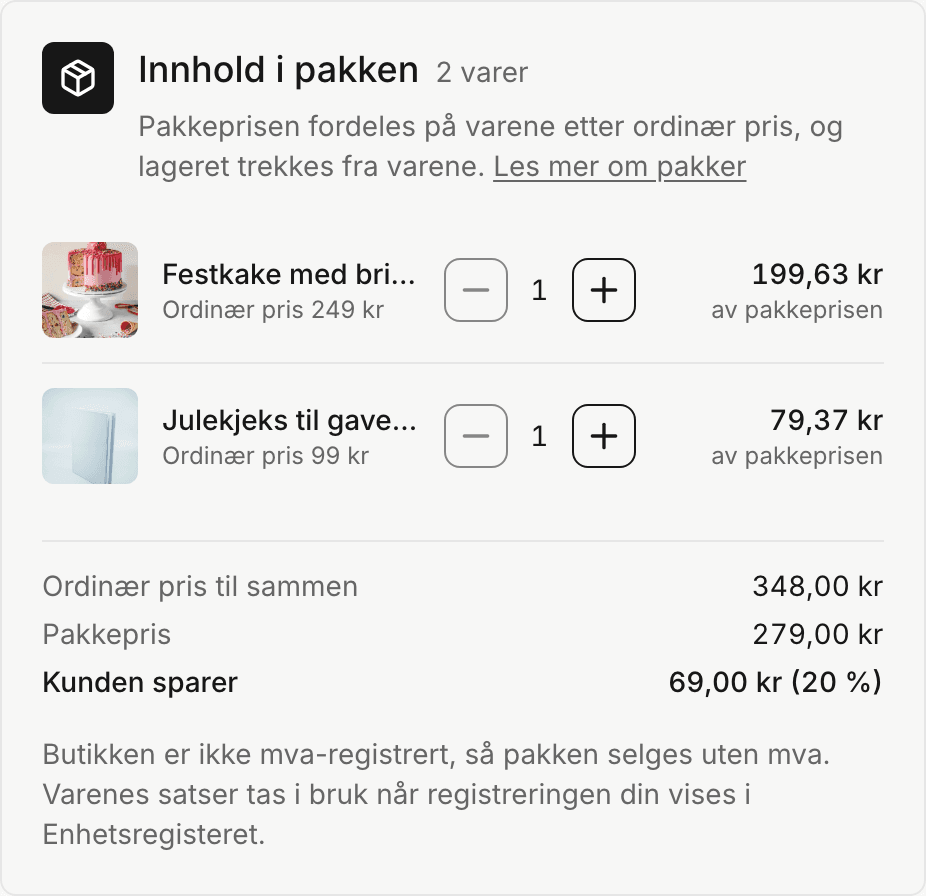
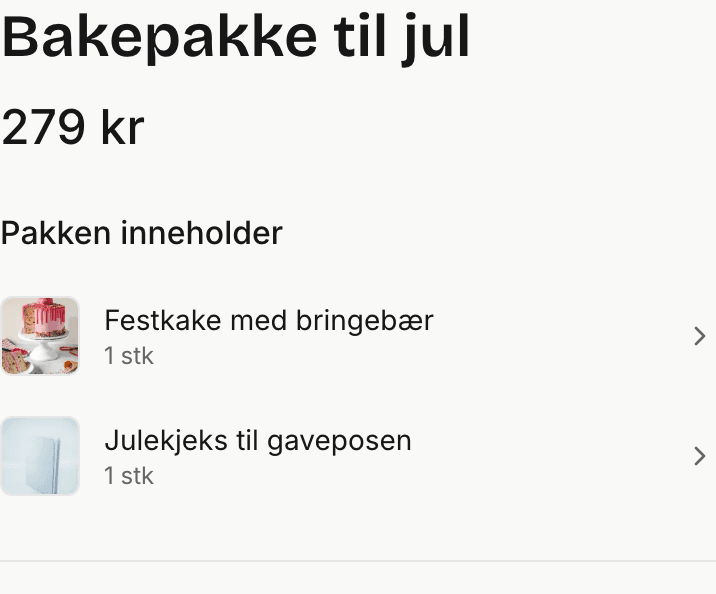
Sell two or more products together. Select them in the product list and choose Create package. Customers pay one price. Svippit splits it across the contents. For VAT-registered stores, each item keeps its VAT rate on the receipt.
More from the category
Product pages now show more items at the bottom: others in the same category and links into the store. Without a category, or when the product is alone in it, the row shows other store products.
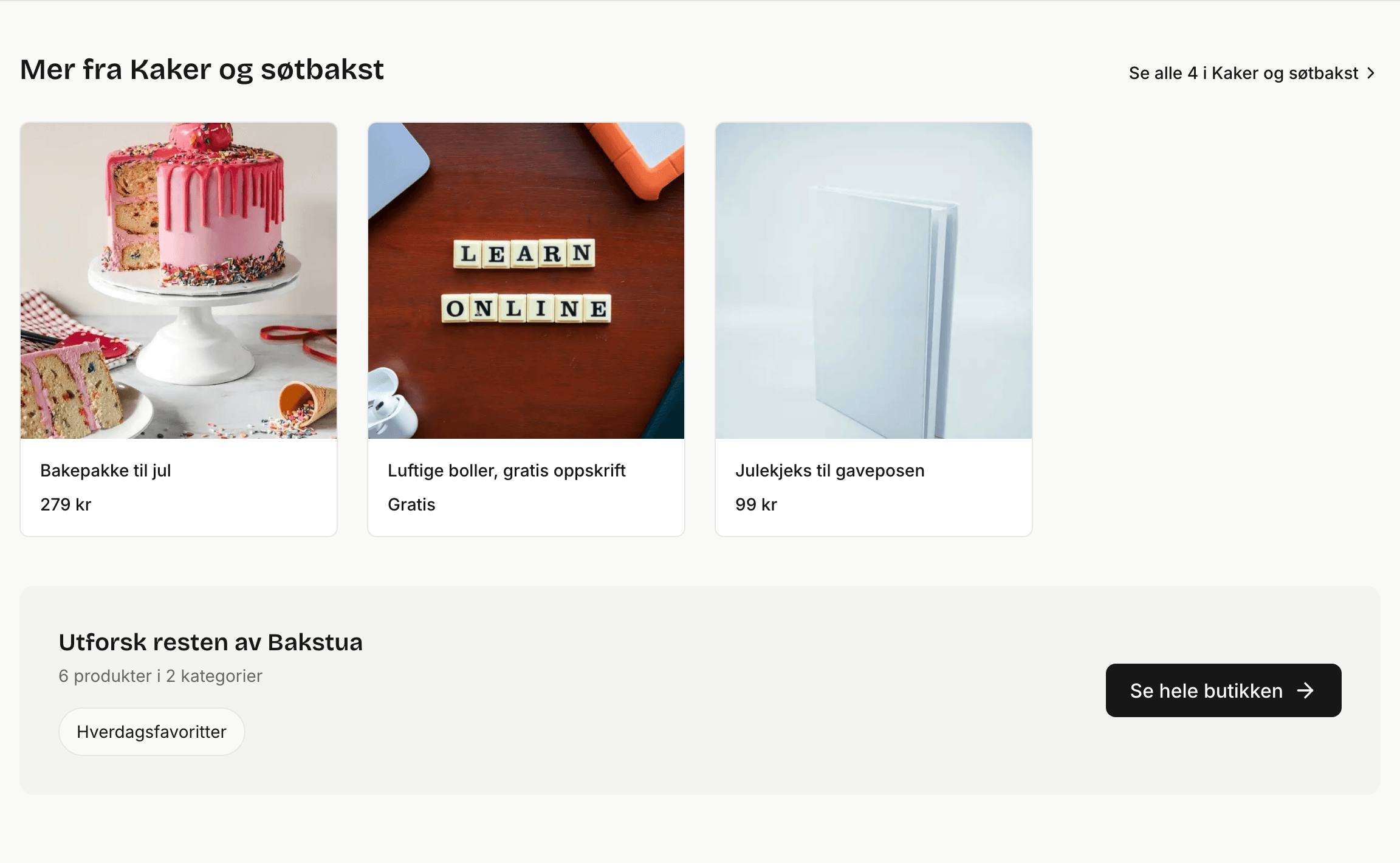
Organise these sections with product categories.
Free digital products
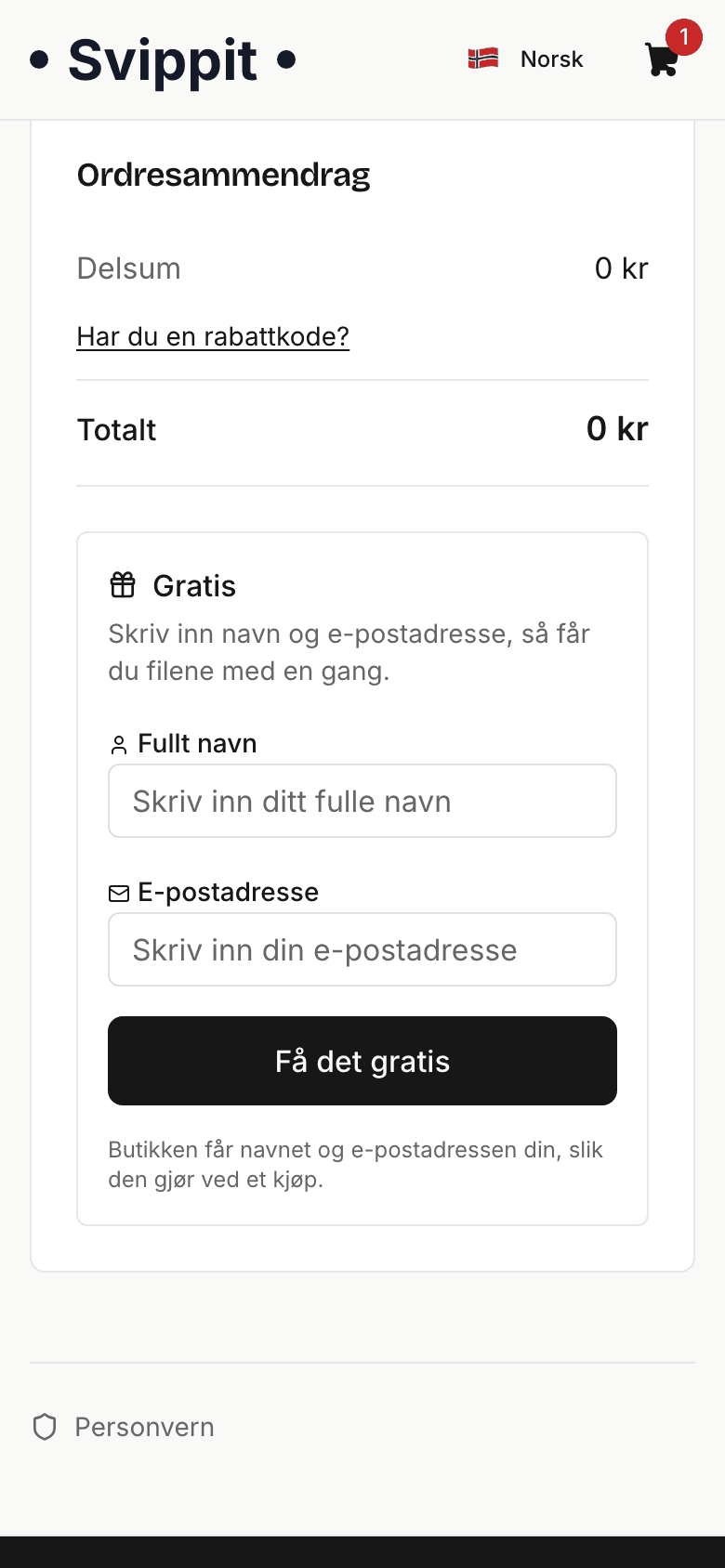
Give away a sample to bring visitors into your store. Set a digital product's price to 0, for example a recipe.
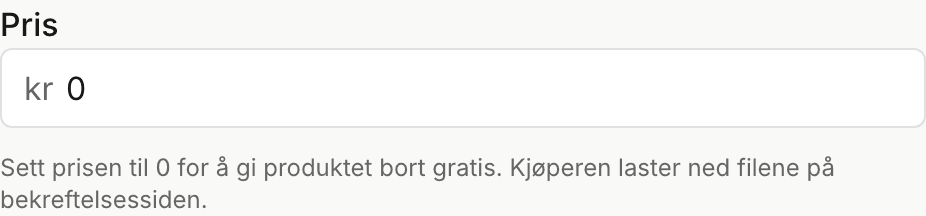
A cart containing only free products asks for a name and email address and skips Vipps MobilePay. Customers download their files on the confirmation page. Neither you nor the customer receives an email for the free order. You can find free orders under Orders in your store menu.
Meta Pixel
Connect your Meta Pixel under Settings → Ad tracking to measure which Facebook and Instagram ads bring in sales. Tracking starts only after the customer agrees in your store.
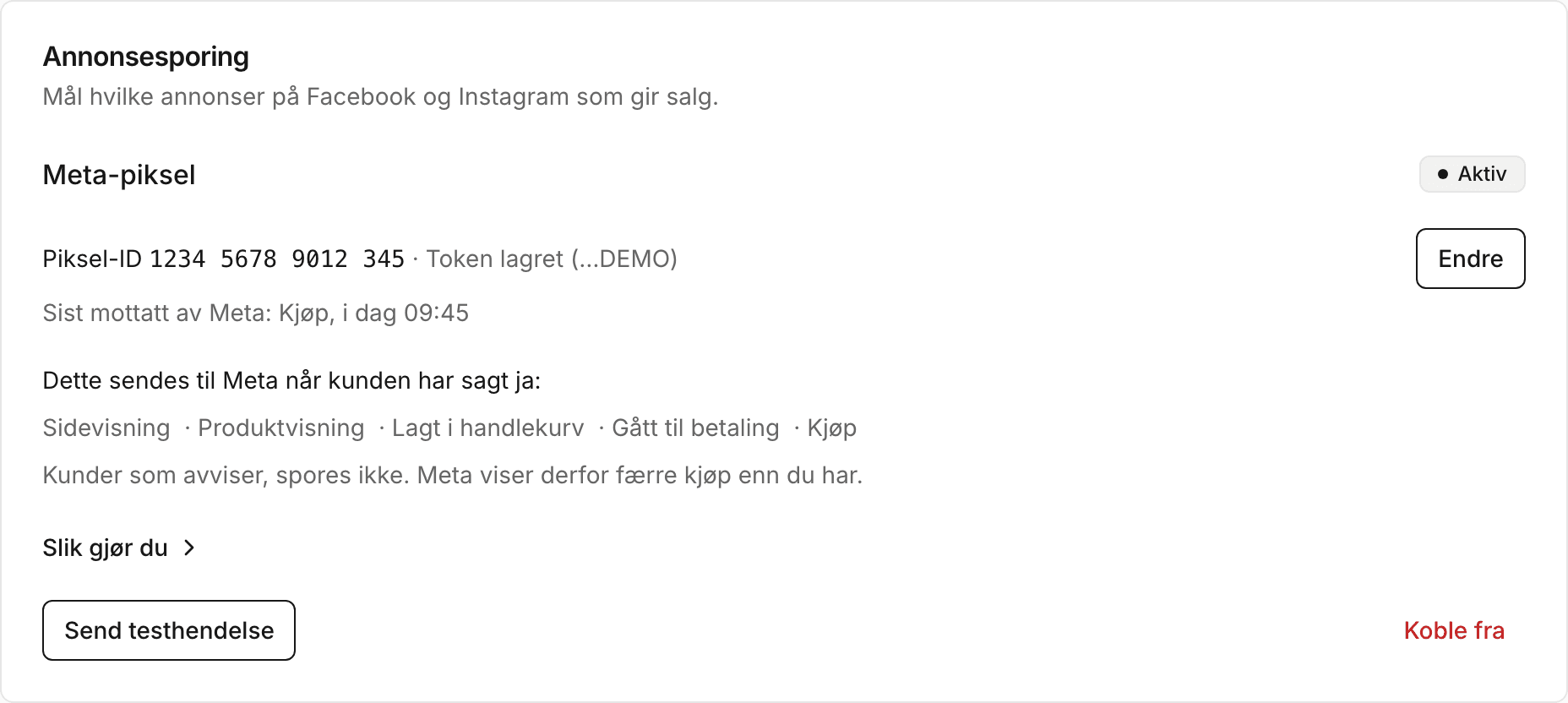
The Meta Pixel guide shows where to find your ID and access token, and how to test the connection.